MyClawn Vectorize › DXF for laser
Logo to DXF for laser cutting and CNC
A cutter follows lines. If those lines are open, doubled or made of thousands of tiny segments, the job stutters, burns or falls apart. Drop the logo in, pick "Laser, vinyl or CNC cutting", and you get a DXF with clean, closed outlines at the size you need.
What makes a DXF cut cleanly
- Closed outlines. Every shape is a closed loop, so the laser knows inside from outside.
- No doubles and no dust. No duplicate lines (cut twice, burnt twice) and no tiny fragments left over from noisy pixels.
- Real curves, few nodes. Arcs stay smooth instead of becoming hundreds of short straight steps that make the head judder.
- True size. Set the width you need on the job page, in mm or inches.
- Islands flagged. Letters like O, A and R have centres that fall out of a stencil. With the cutting setting, the preview flags them so you can ask for bridges.
The DXF is written in the old R12 format, which LightBurn, LaserGRBL, RDWorks, VCarve, Fusion and most CAM programs read.
A real sample
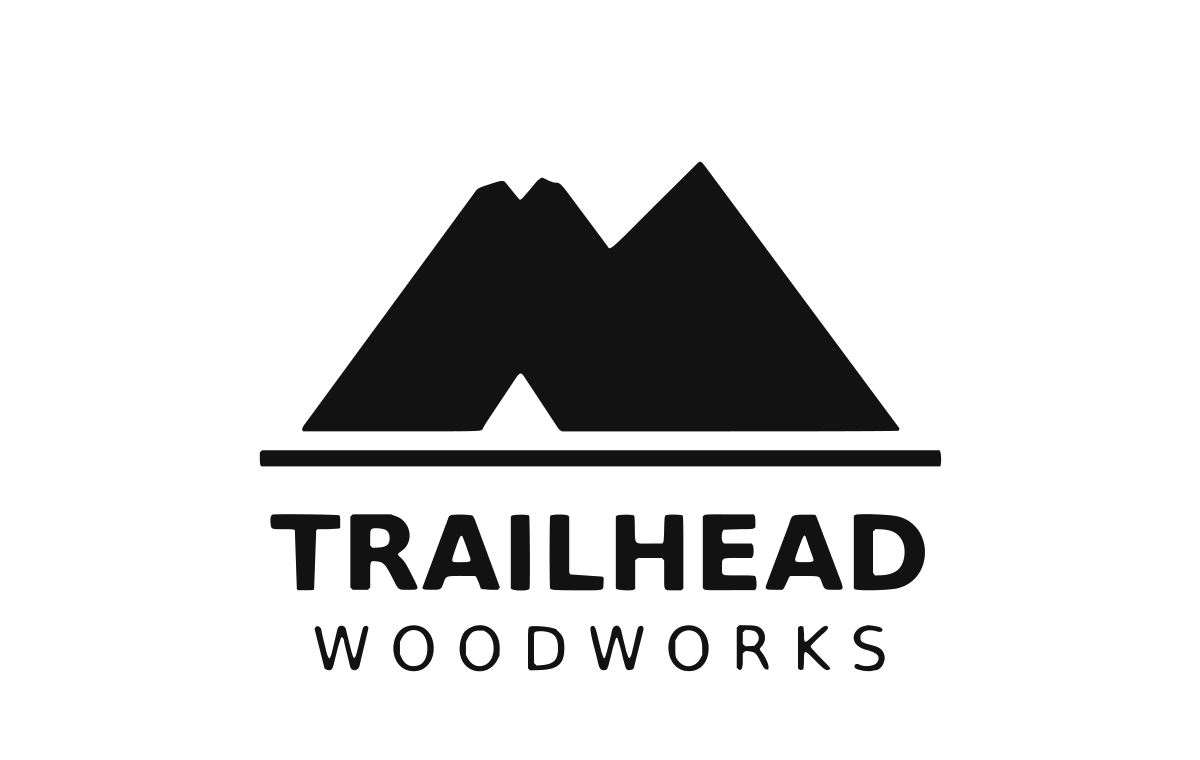
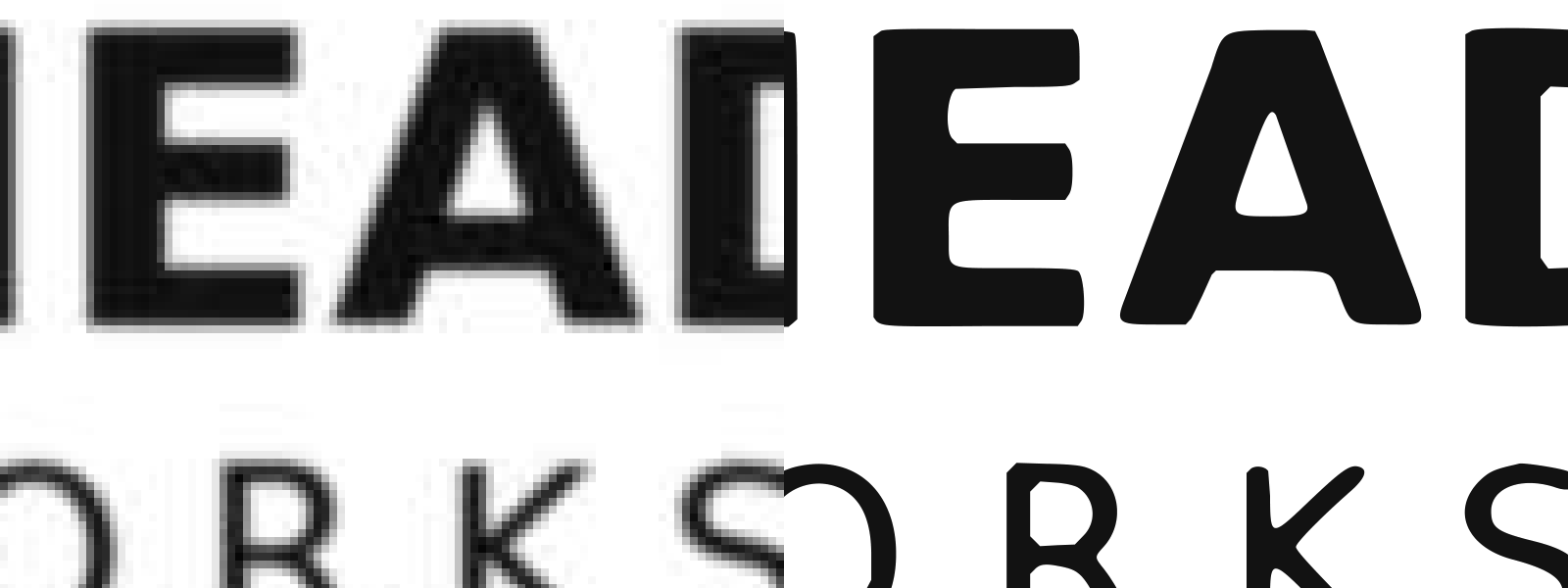
Download the real files from this sample: logo.dxf, logo.svg, logo.pdf.
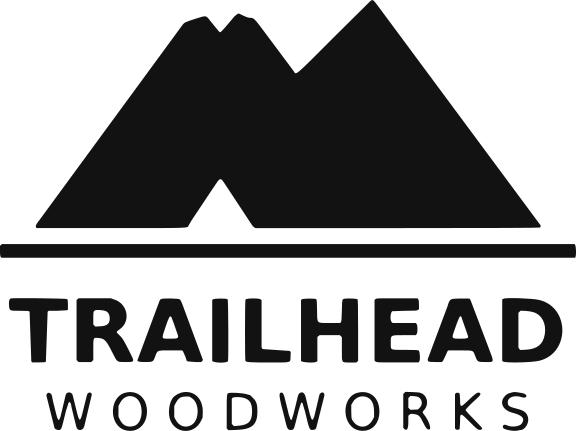
These are demo logos we drew for these pages, not customer work. Every customer file stays private.
Drop in a JPG, PNG, screenshot or AI-generated logo. Starter $29/mo · Pro $79/mo. Refund within 14 days if it misses.
What you still set in your own software
Kerf or tool offset, power, speed and material settings stay in your laser or CAM program. The DXF follows the edge of the artwork exactly. If you want cut and engrave lines on separate layers, write that on the job page.
Drop your own logo on the home page and see the same preview for free, before you pay anything.
Questions
Which DXF version do I get?
AutoCAD R12, the most widely read version. Ask on the job page if your software needs another.
Can it add stencil bridges?
Yes, as a change request. The preview flags the shapes that would fall out, and you say how wide the bridges should be.
Does it work for engraving too?
Yes. Engraving fills use the same closed shapes. logo.svg and logo.pdf are included for software that prefers those.
Drop in a JPG, PNG, screenshot or AI-generated logo. Starter $29/mo · Pro $79/mo. Refund within 14 days if it misses.
More about Vectorize
Sources (checked 2026-11-19): dxfforge.com/blog/convert-photo-logo-to-dxf-for-laser-cutting/
Related services
Social Media Content Calendar Done for You
Paste your website, get a 30-day social media content calendar: captions for Instagram, Facebook and LinkedIn, hashtags, posting times and photos from your own site. From $49 a month.